Linerless Label print

Linerless Label printers for efficient, waste-free operations

Switching to linerless media eliminates the silicone backing paper that typically ends up in landfills. Linerless Label printers allow you to print continuous, variable-length tags. They also increase the number of prints per roll by up to 40 percent. Delfi Technologies provides a complete range of these devices to help warehouses, retail stores, and logistics centers cut costs. Since 1988, we have specialized in barcode technology and data capture. Our hardware selection ensures you find the exact match for your daily print volume and connectivity requirements.

How linerless printing works and why it matters

Standard media relies on a silicone-coated backing paper to prevent the adhesive from sticking to the roll. Linerless technology removes this backing entirely. The media features a special release coating on the top surface instead. This allows the material to wind onto itself like a roll of tape. The printer then cuts the continuous feed to the exact length required for each specific job.

Without the backing paper, a standard roll holds significantly more material. Using TSC Linerless Labels provides up to 40 percent more length on a roll with the same outer diameter. Your staff spends less time changing rolls and more time processing orders. The physical weight of your inventory drops. This directly reduces shipping and storage costs.

Filter

Key differences between mobile, desktop, and industrial models

The hardware you choose depends on your daily print volume and physical environment. We categorize these devices into three main tiers based on durability and output capacity.

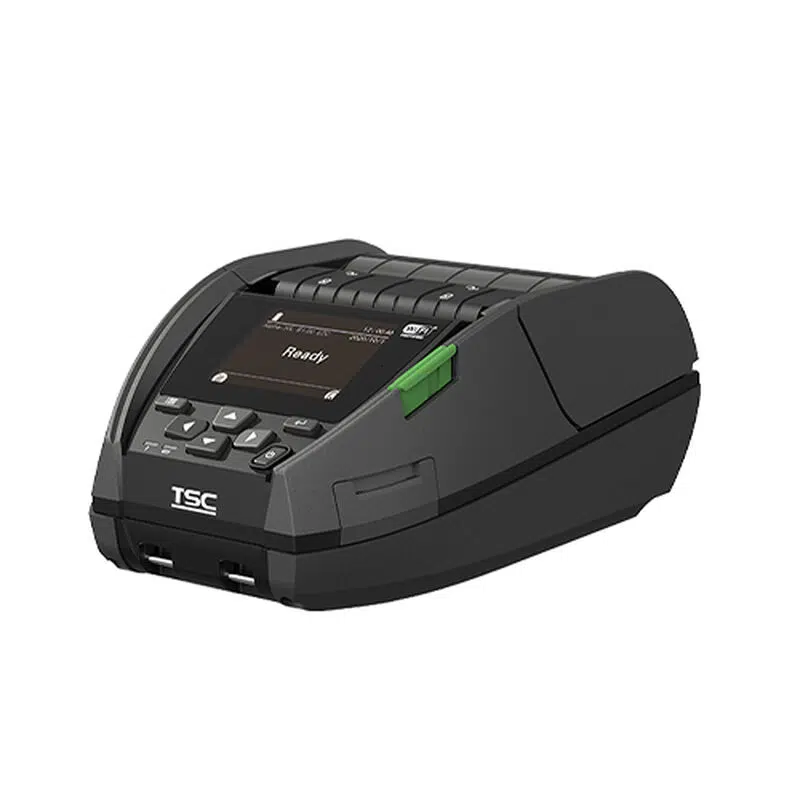
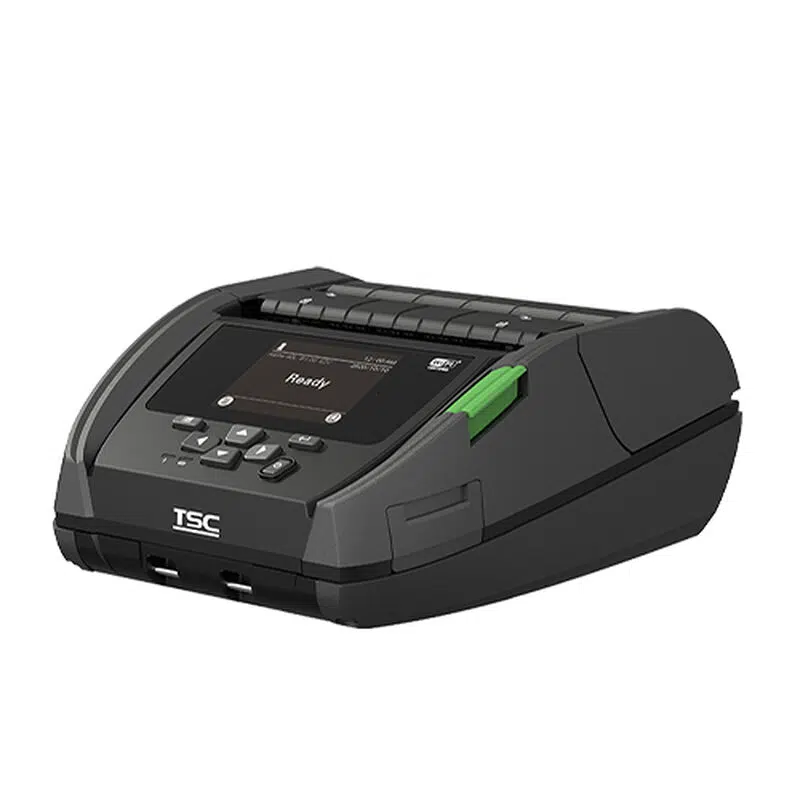
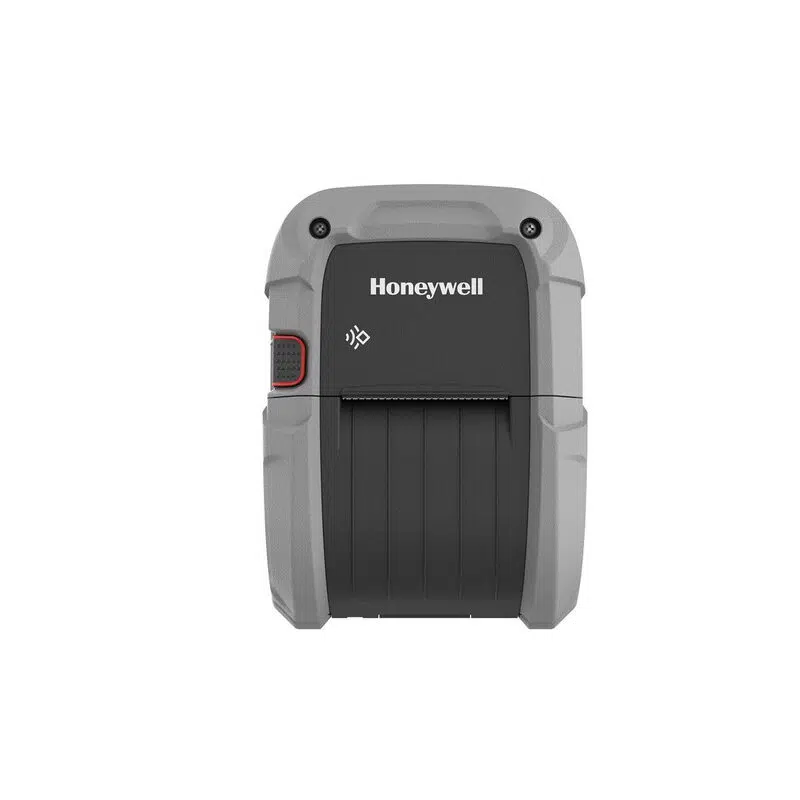
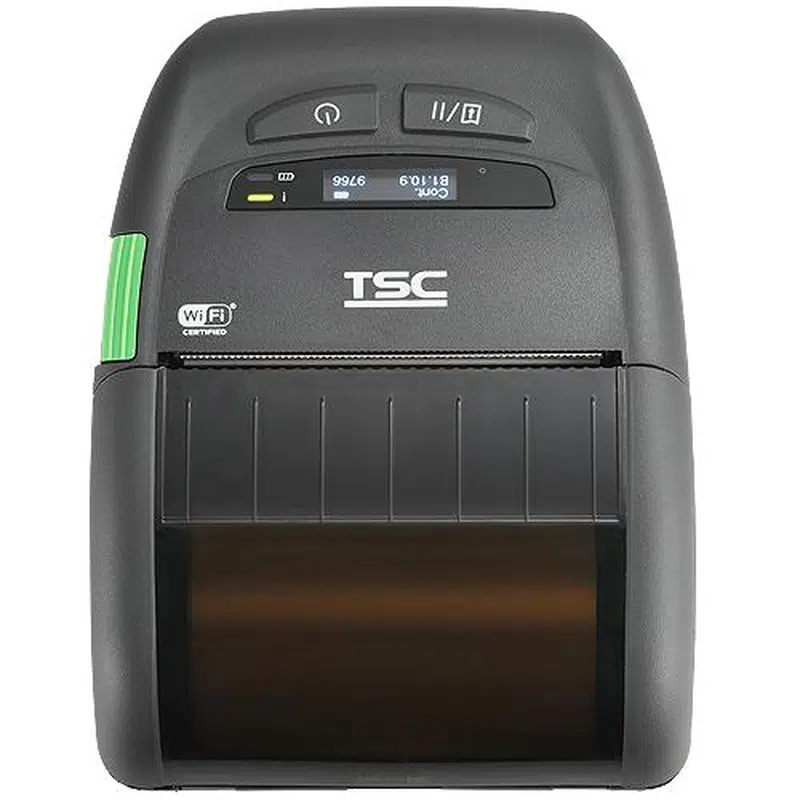
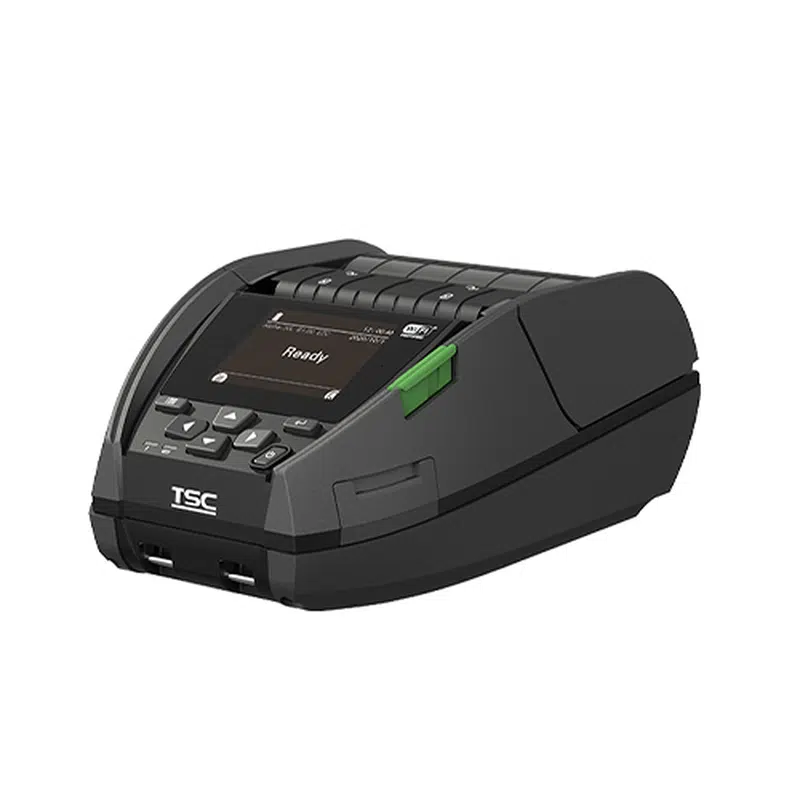
Mobile units prioritize portability for workers on the move. Devices in this category typically cost around $254 for entry-level options. They connect via Bluetooth or Wi-Fi, allowing forklift operators and retail staff to print directly at the point of activity. Some advanced mobile units include UHF RFID encoding alongside direct thermal printing. The TSC Alpha-40L offers Bluetooth and NFC connectivity. This makes it ideal for mobile staff who need to pair devices quickly.

Desktop models fit into retail checkout counters, pharmacy desks, and packing stations. Mid-range desktop units generally cost around $360. The Star Micronics mC-Label3 DT Label and Linerless printer is a versatile desktop unit that handles re-stick, permanent linerless, and continuous receipts. Another option is the Epson TM-L100 Linerless Thermal Label Printer, which supports highly-adhesive media for takeaways and deliveries.

Industrial presses handle massive volumes in harsh environments. Heavy-duty models like the Zebra ZT411 range from $3,483 to $4,721 depending on the required DPI. These units feature rugged metal enclosures and high-speed processing for continuous warehouse operations. For heavy-duty applications, the Honeywell PD45 features an industrial print head and an Arm Cortex-A7 processor to maintain high throughput.

Essential buying criteria for your business

Not all devices handle liner-free media equally. You need to assess print speed, connectivity, and media handling capabilities before making a purchase. These technical specifications determine how the machine integrates into your existing workflow.

Print speed determines how fast your packing lines can move. Standard desktop models like the Bixolon XD3-40d 203 DPI Label Printer process data quickly and print up to 5 inches per second. The BIXOLON XL5-40CT Label Printer pushes this further, offering speeds up to 6 inches per second. Industrial systems like the Epson SurePress L-6534VW can output up to 50 linear meters per minute for high-volume manufacturing.

Connectivity dictates how easily the hardware integrates with your existing network. Look for devices that offer multiple interfaces. The Star TSP100IV SK, Direct Thermal Linerless Label Printer includes USB-C, LAN, and CloudPRNT capabilities. If you need wireless integration, browse our Wi-Fi Label Printers to find units that support mobile device management.

Media handling features prevent jams and ensure clean cuts. A built-in auto-cutter is mandatory for continuous liner-free rolls. Devices like the Zebra ZD621d Label Printer DT, Ethernet, Linerless, 203 Dpi include both a cutter and a label taken sensor. This sensor pauses printing until the user removes the previous tag. It prevents the machine from spitting out a continuous, tangled pile of sticky paper.

Maintenance best practices for linerless systems

Printing without a backing paper introduces a mechanical challenge. The adhesive on the bottom of the media comes into direct contact with the internal components of the machine. Over time, this adhesive builds up on the platen roller, the printhead, and the cutter blades.

You must implement a strict cleaning schedule to prevent jams and maintain print quality. Operators should clean the print path every time they load a new roll of media. Use cleaning pens or swabs soaked in isopropyl alcohol to dissolve the adhesive residue before it hardens. Ignoring this step causes the media to stick to the internal rollers. This leads to severe jams that require technical support to fix.

Pay special attention to the auto-cutter. If adhesive accumulates on the blades, the cuts become jagged, and the media eventually jams the exit path. Some manufacturers coat their linerless cutters with non-stick materials to reduce this buildup, but regular manual cleaning remains necessary.

Ideal use cases across industries

Different sectors utilize liner-free technology to solve specific operational bottlenecks. The flexibility to print variable-length receipts and tags makes these devices adaptable to changing daily requirements.

Speed and accuracy at the point of sale are critical in the retail and hospitality sectors. Fast-food restaurants and coffee shops use devices like the Epson TM-L100 to print custom order tickets that stick directly to cups and bags. This eliminates staple hazards and ensures the right order reaches the right customer. Grocery stores use them at deli counters to print variable-length ingredient lists without wasting blank space.

Warehousing and logistics facilities rely on these systems to streamline shipping. Workers can print a short barcode for a small bin and a long shipping manifest for a large pallet using the exact same roll of media. This reduces inventory space because facilities no longer need to stock multiple sizes of die-cut rolls.

Healthcare providers use mobile units to label patient samples at the bedside. Nurses can print clear, secure tags without walking back to a central nursing station. This reduces the risk of mislabeling samples.

Frequently asked questions

Most devices designed for liner-free media can also accept standard die-cut rolls, provided the media fits the physical dimensions of the compartment. You cannot use liner-free media in a standard printer. Standard printers lack the non-stick platen rollers and specialized cutters required to handle exposed adhesive. Running sticky media through a standard machine causes immediate jams.

Savings depend on your print volume and waste disposal costs. By eliminating the silicone backing, you reduce the physical weight and volume of your waste, which lowers disposal fees. You also save on shipping and storage because you fit more printable length into the same physical box.

Modern units offer a wide range of interfaces. Desktop models typically include USB and Ethernet. Mobile units rely on Bluetooth and Wi-Fi. Advanced models like the Star TSP143IV X4 Linerless Label Printer With Cutter provide USB-C, Ethernet, and Wi-Fi in a single compact footprint.

A 203 DPI resolution is adequate for standard shipping barcodes, text, and simple graphics. If you need to print very small text, intricate logos, or high-density 2D barcodes, you should upgrade to a 300 DPI model. The Star MC-Label2 X4 CloudPRNT 300dpi Printer delivers crisp text for detailed ingredient lists and compliance warnings.

Browse our selection of Linerless Label printers below to find the exact match for your daily print volume and connectivity requirements.